Introduction
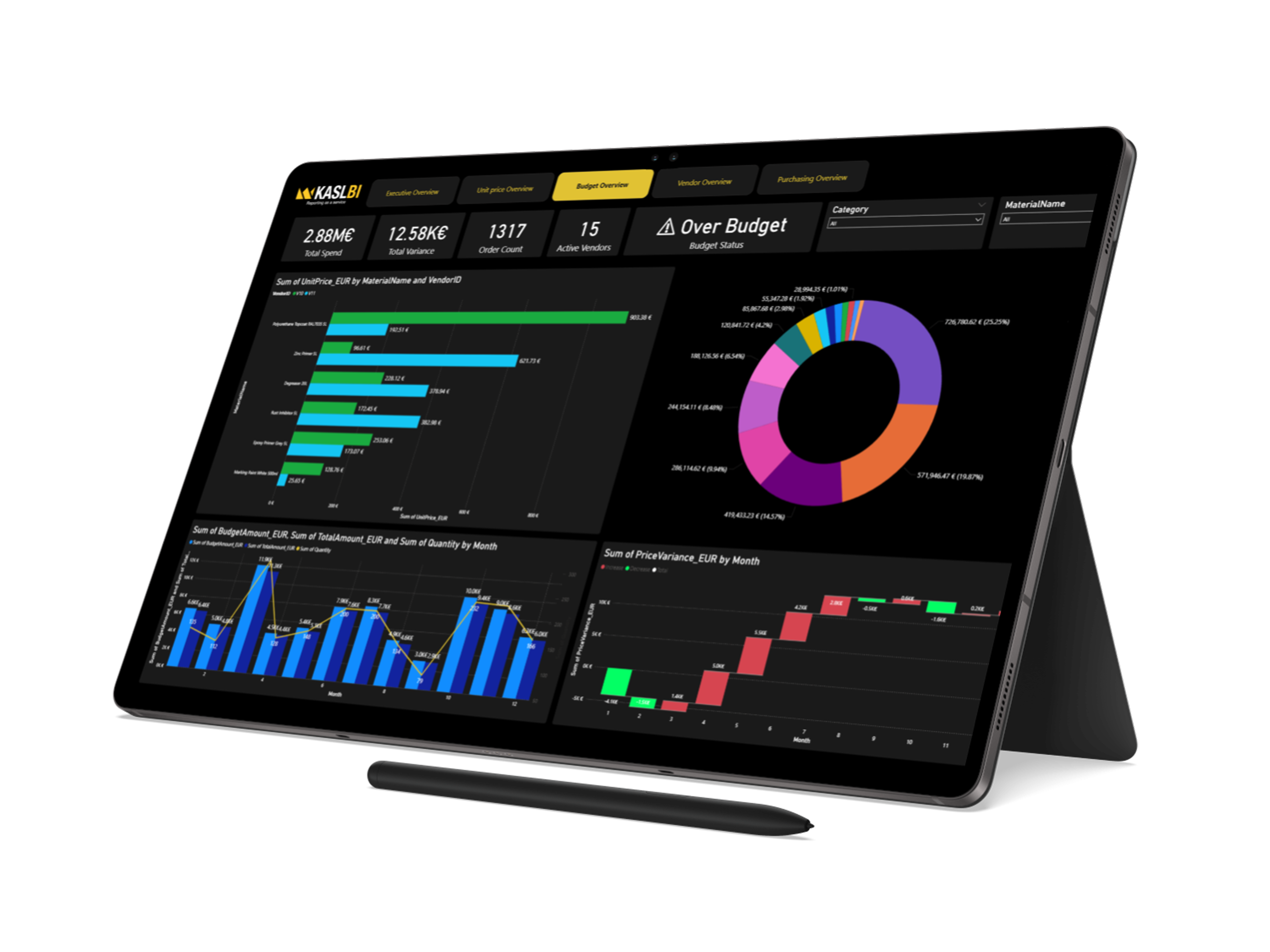
Power BI proměňuje surová data na interaktivní dashboardy. V tomto průvodci projdeme úplně první kroky: instalaci nástrojů, připojení k datovému zdroji, sestavení jednoduché vizualizace a její sdílení s týmem.
This is placeholder content for the Začínáme s Power BI article. Replace it in the admin
panel with your own walkthrough, screenshots and code samples.
What you will learn
- How to structure a practical knowledge base entry
- What fields are available (title, excerpt, thumbnail, tags, read time)
- How translations work across the 4 supported locales
Step-by-step
- Open the admin panel at `/admin/knowledge-base`
- Click New article
- Fill in the slug, type (article / guide / tutorial / reference), author and thumbnail
- Add per-locale translations for the title, excerpt and content
- Save as draft, then flip to published when you are ready
Next steps
When you publish a new article it immediately appears in the public listing at
`/{locale}/knowledge-base` and can be linked from the footer. Use the featured
toggle to promote your most important guide to the top of the page.